@Gaurav Chadha I have an SQL query on Buildship. When I run it on its own everything works fine. When I run it as part of the workflow I get an error Failed to execute workflow. Any idea why this happens?
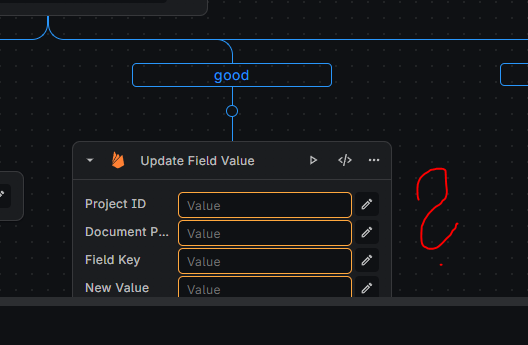
Do any of you also have a problem with disappearing values? Yesterday I was working with my workflow, I set all the necessary values, everything worked correctly, and today all the value fields are empty....
Hey guys! i'm making solid progress on building out our buildship API but have an issue. I'm working on a workflow with multiple branches, and I'm looking for a way to consolidate data from these branches at the end of the workflow. However, I'm encountering errors when trying to access values from branches that were not executed in the current flow request. Is there a workaround to access variables or data from non-executed branches in Buildship? Ideally, I'd like to retrieve the value from whichever branch was run and use it for further processing. Any advice or suggestions on how to achieve this would be greatly appreciated.
In the example below, I need to check to see if the row exists in supabase, if not then i need to create the row (on the branch). The trouble is that further down the workflow, I cant find a way to use the row id from whichever node was run. Thank you!
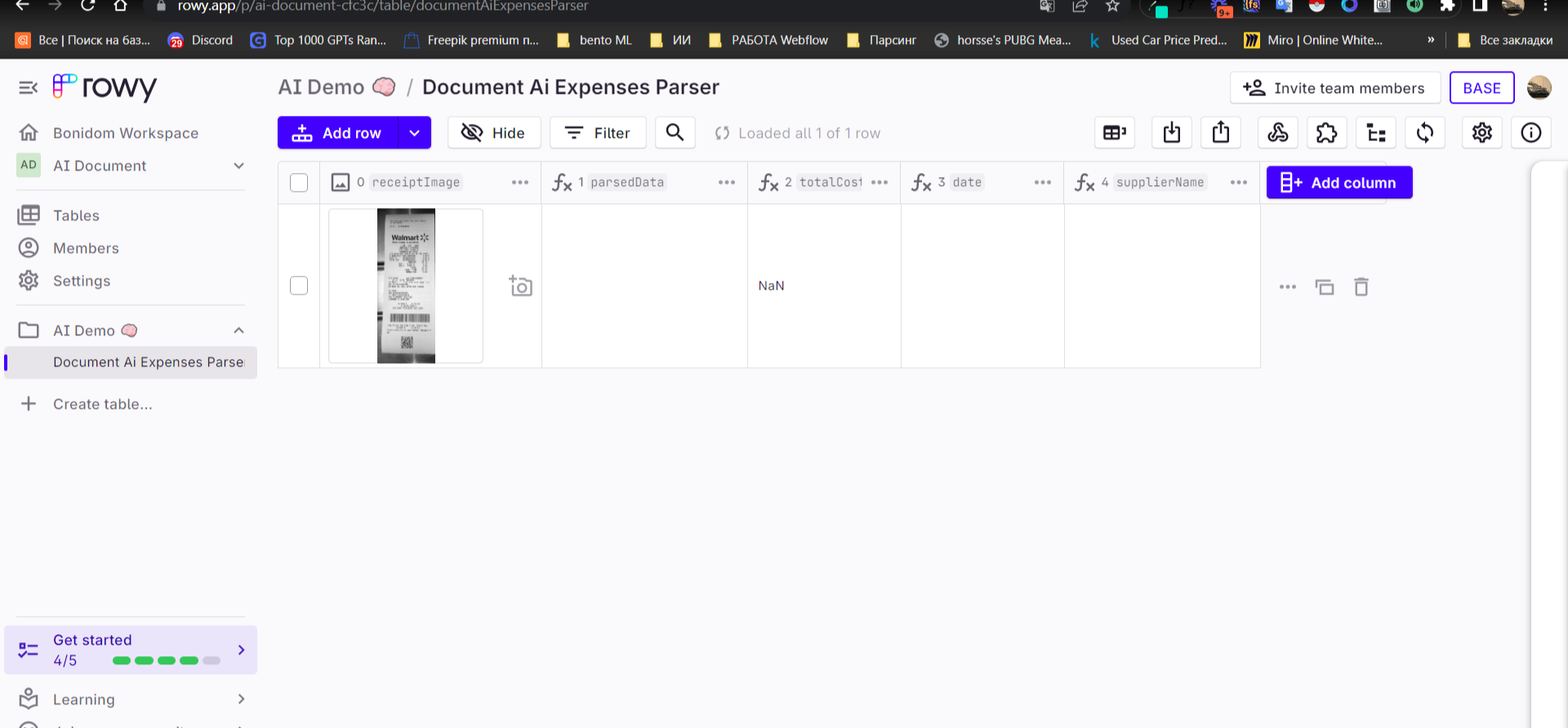
Guys, tell me why it doesn’t take the data from the check, I connected everything to firebase and cloud.google, but when I load the check as a picture, it’s completely silent https://screenrec.com/share/84y31khvzG
Hello. I encountered an error when updating a row in Supabase, where it always throws a null result. Does anyone know the solution? And is my query filter correct?
we're working on built-in git integration, however for now you can export workflow manually, then you can commit it gitlab or paste into a different project
@Shams I am having trouble using environment variables. If I create more than 1 (e.g. 5), only 1 of the environment variables has a value, the rest appear as undefined. How can I solve this issue?
My question is this: At the moment, I am able to create an empty node, but I could not figure out how to give a name to it. The problem then is if I have many empty nodes it becomes problematic trying to remember what each one does, if they don't have a name. Thus, is it possible to give a name to the empty nodes/
hey guys, sorry for the noobie question, but, someone can teach me how do export an entire table (Supabase) in a PDF file using Buildship and FlutterFlow?